
How to: barcode scanning — picking, packing & loading
PLANA Business Cloud includes a barcode scanner for warehouse operations. It runs in any browser with a USB or Bluetooth scanner (or a phone camera). The same scanner serves the picker, the packer and the driver. Screenshots show the Bulgarian interface.
Opening the scanner
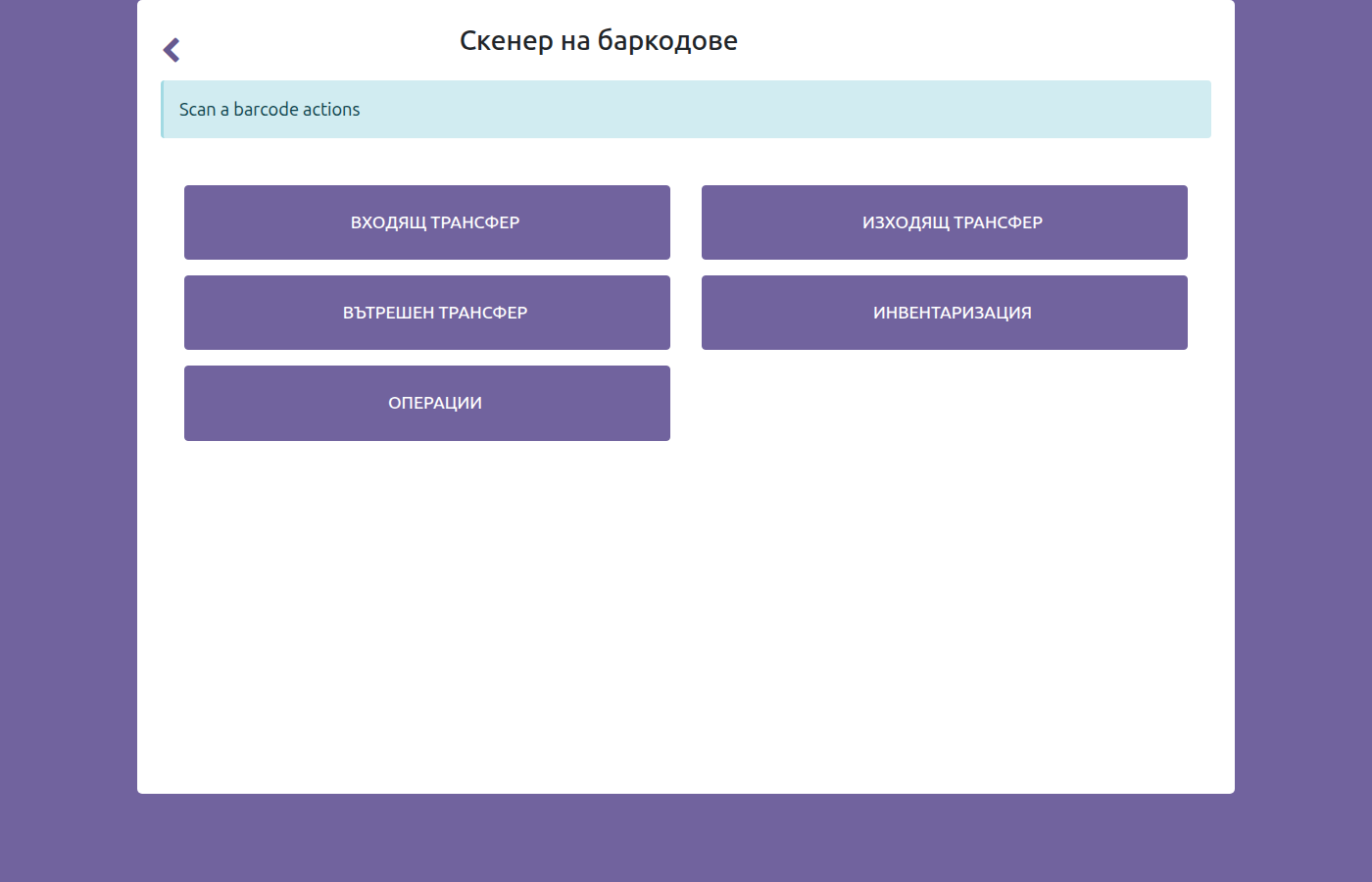
Go to Inventory → Operations → Barcodes (Скенер на баркодове) and choose the operation: Изходящ трансфер for deliveries (picking & loading), Входящ трансфер for receiving, Вътрешен трансфер for internal moves, or Инвентаризация for stock counts.
Picker — scan-to-validate, with a product photo
- Open Изходящ трансфер and select the delivery to collect.
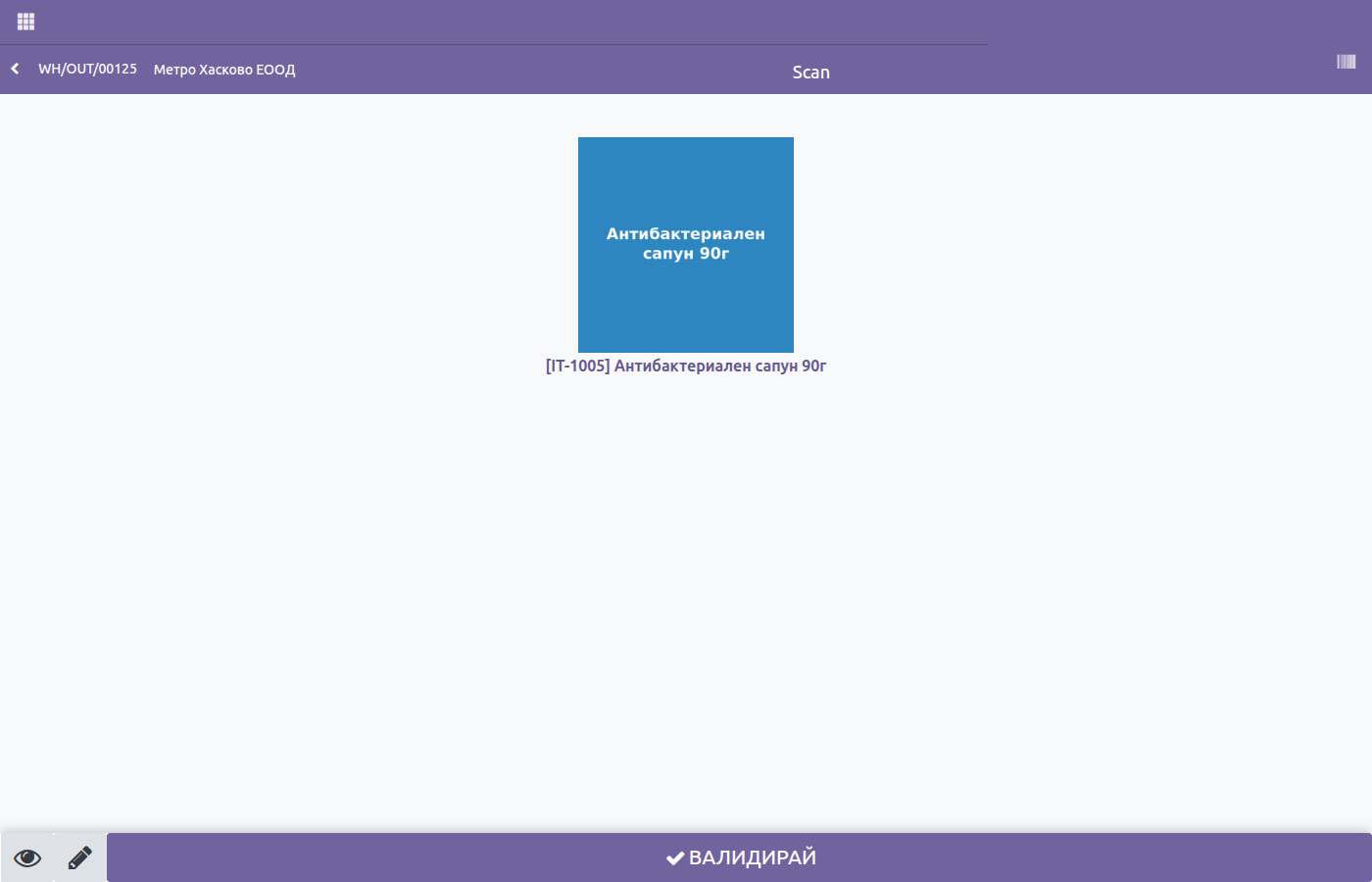
- Scan each product's barcode. The screen shows the product photo so the picker sees exactly which item to take, and the quantity increases automatically.
- A line is confirmed only by scanning — manual entry is switched off, so the wrong product simply cannot be picked into the wrong order.
Multi-barcode
A product can carry several barcodes (e.g. a single unit and a case). The scanner recognises the item by any of its barcodes.
Packer — put in pack
After the items are collected, the packer groups them into a shipping package with Постави в пакет (Put in pack). The package barcode is recorded, so the contents stay traceable through loading and delivery.
Driver — scan-verified loading
When loading the truck, the driver opens the same scanner on the route's deliveries and scans each box or package. The run is complete only when every line has been scanned — so nothing wrong and nothing missing goes onto the truck.
Why it matters
One scanner across the warehouse and the road: no wrong picks, a product photo to guide staff, and scan-verified loading — replacing separate picker and driver apps with a single system.