
Connect NULA to PLANA Pulse
PLANA Pulse reads business analytics straight from NULA - by each client's own choice, entirely self-service. Signing up and connecting takes a few minutes, all on the client's side: we do not create the account, we do not touch the NULA access, and we are not a step anywhere along the way.
Step 1: Sign up
At chat.planapulse.ai - e-mail, password, done. Sign-in with Google works too.
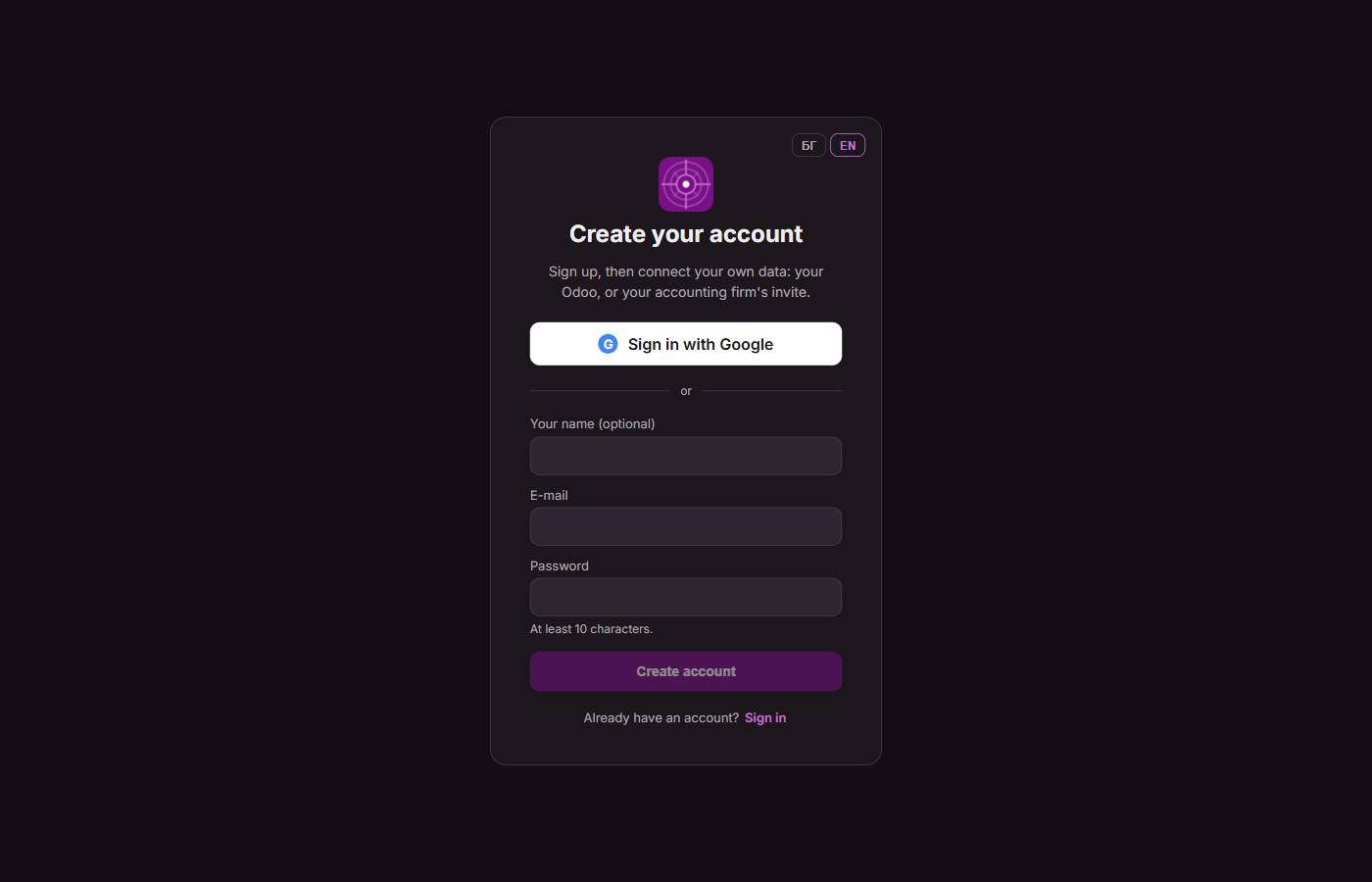
Sign-up is e-mail + password, or through Google.
Step 2: Confirm the e-mail
A confirmation link arrives right away. Opening it confirms the address and signs the user in - one and the same step.
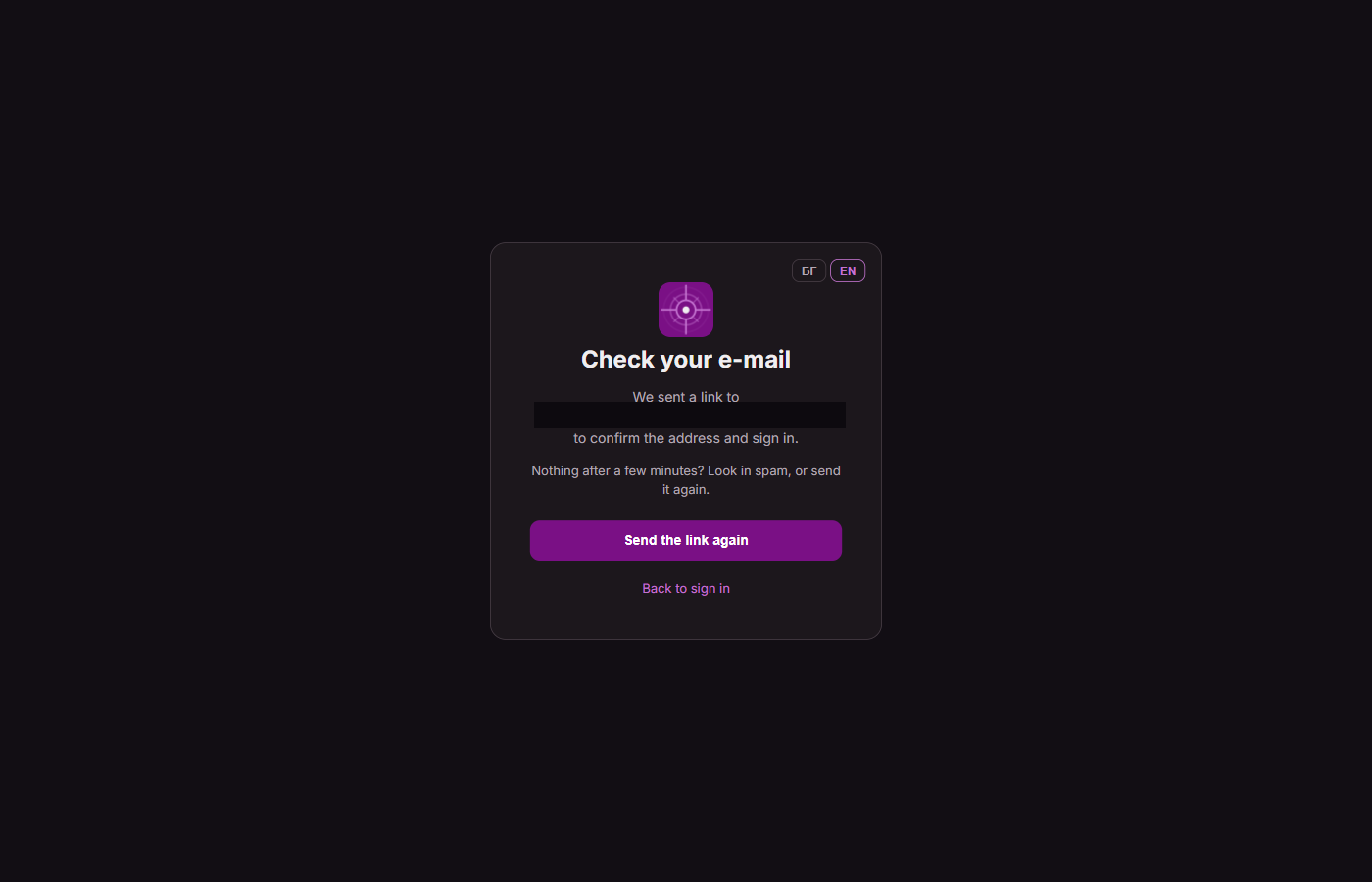
The link is valid for 48 hours; it can be sent again if needed.
Step 3: Connect data
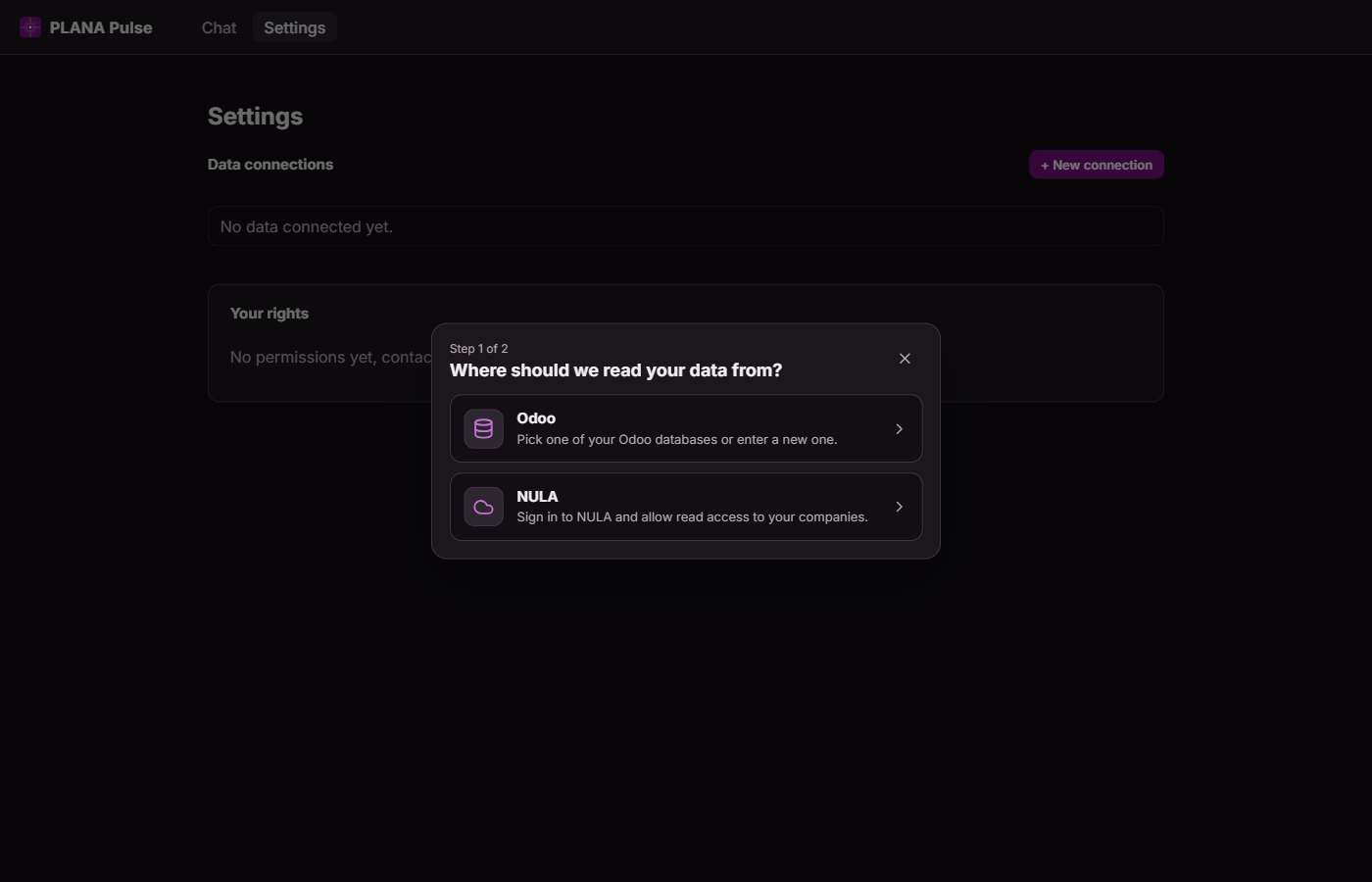
From "Settings" → "+ New connection", the user picks where their data should be read from - Odoo or NULA:
Choosing NULA gives a short explanation of what is about to happen, before any sign-in:
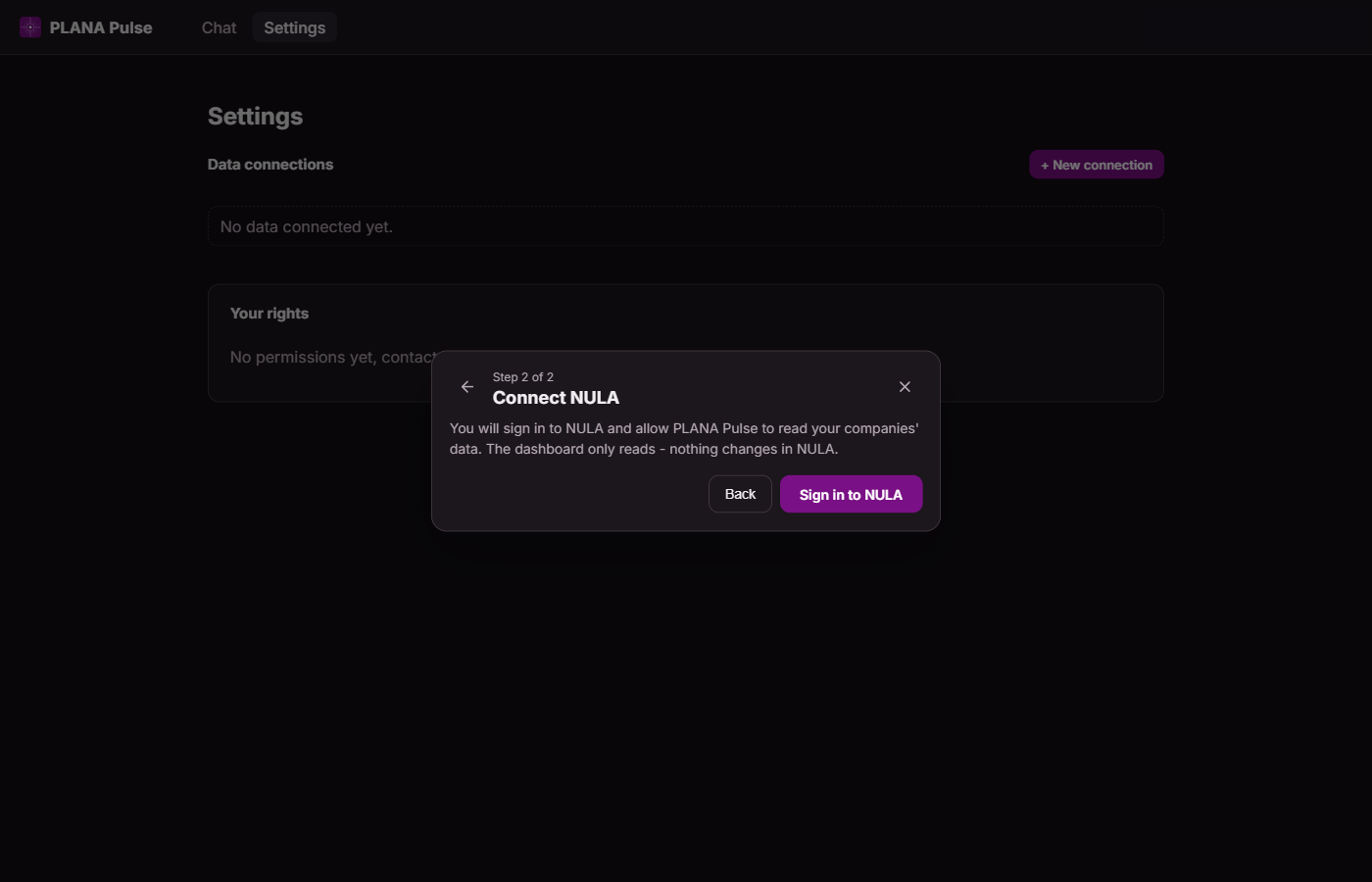
The dashboard only reads from NULA - nothing changes there.
Step 4: Sign in to NULA
The "Sign in to NULA" button opens NULA's own, real sign-in screen. The user signs in with their own credentials and confirms which companies/teams to connect. PLANA Pulse only ever gets read access - through NULA's own OAuth flow, never a shared password.
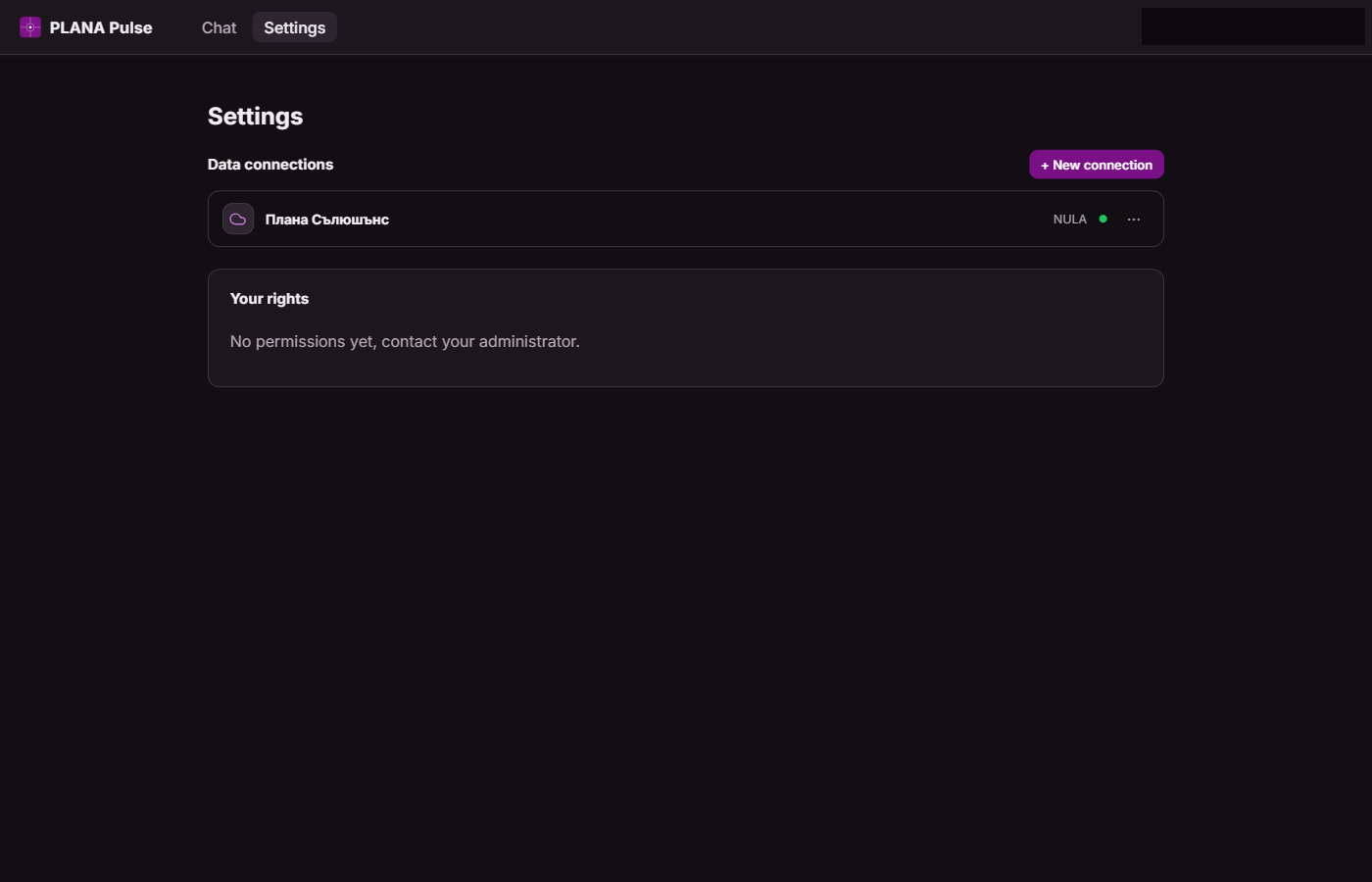
Result: connected and ready
The connection shows up in "Settings" right away, active:
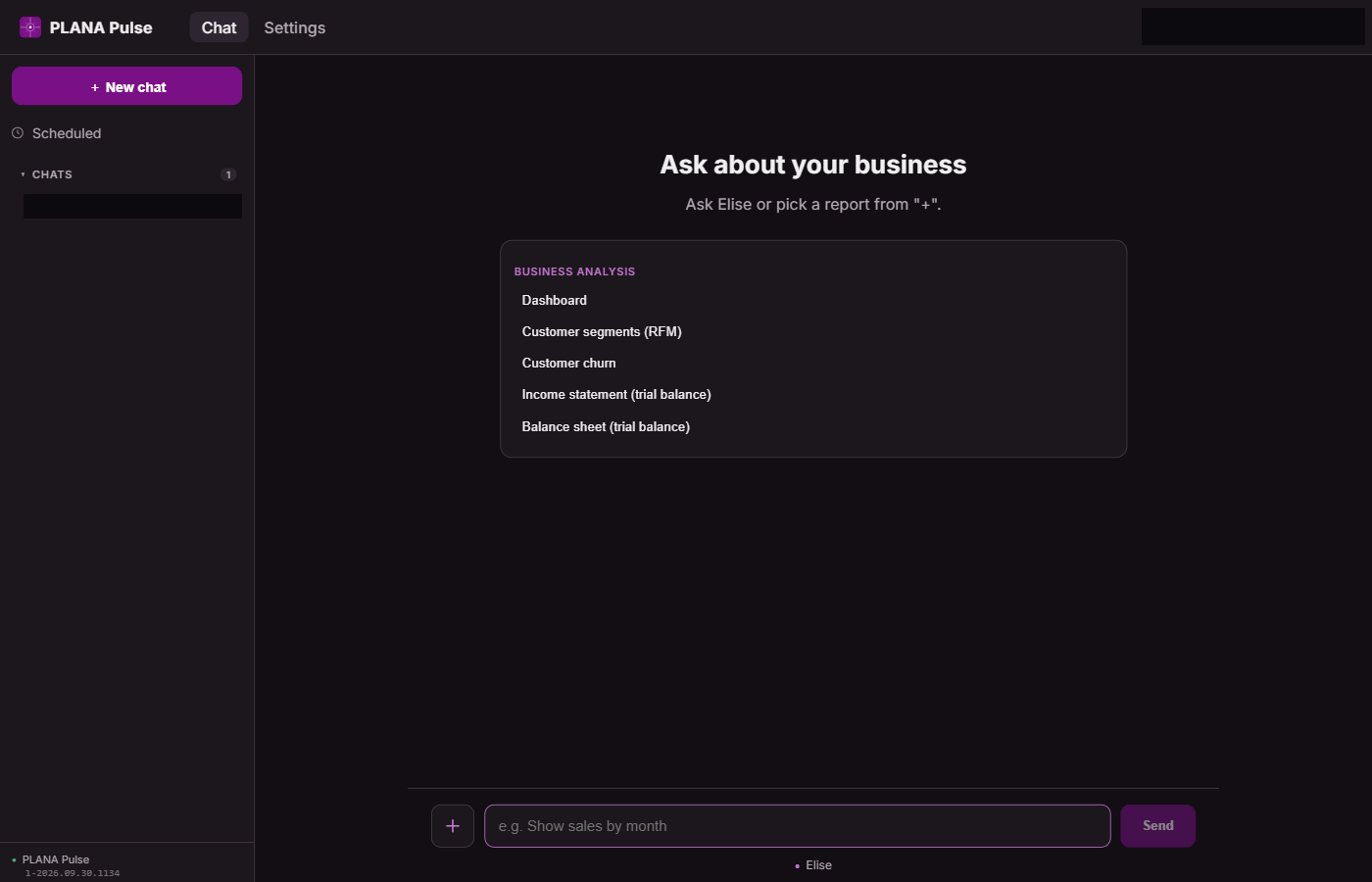
From the chat - ready-made reports one click away, or a free-text question:
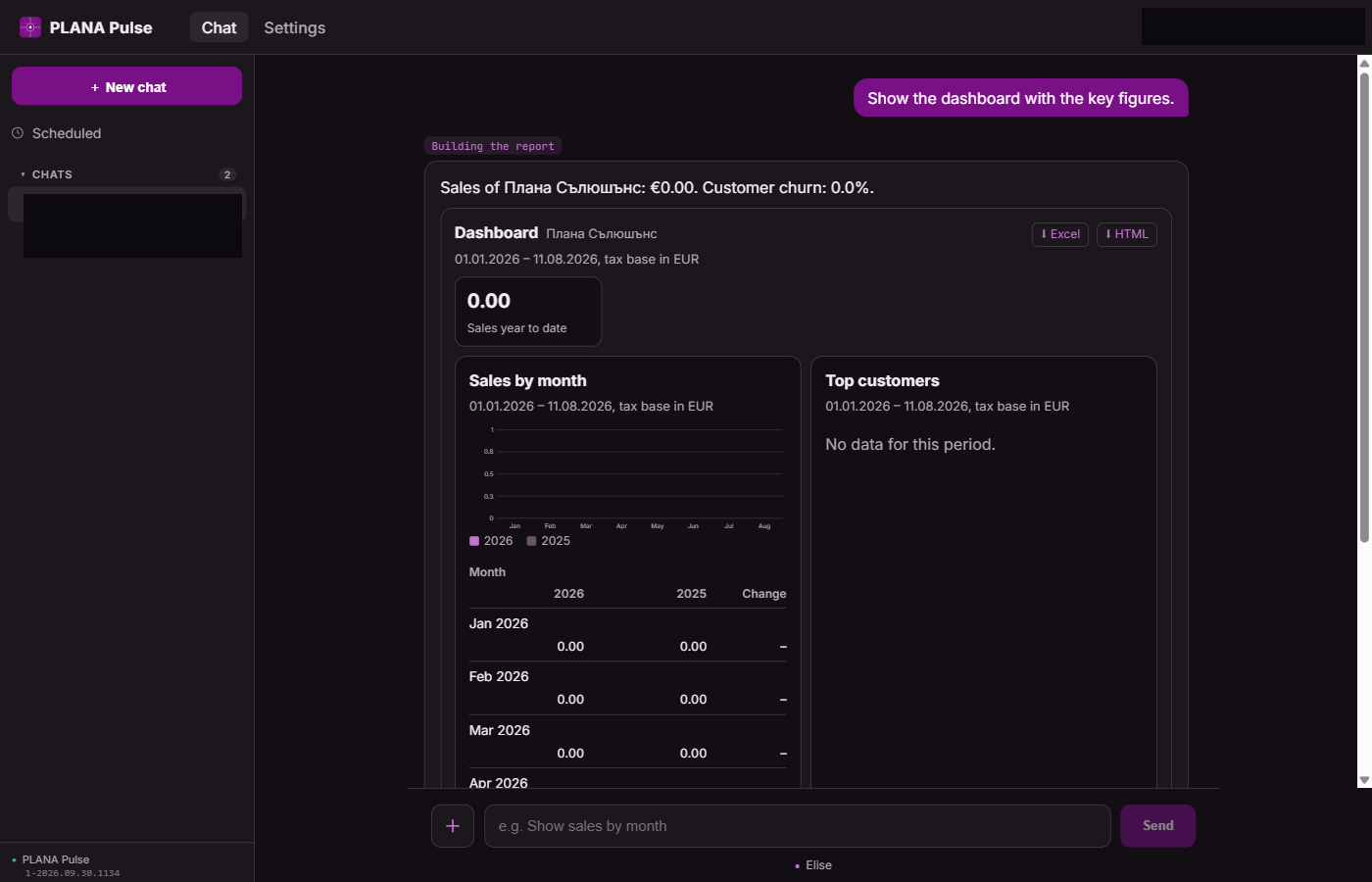
The dashboard, sales by month and top customers refresh from NULA automatically.
Who can use it
Any registered user - a client, an accounting firm, a client's own employee. The connection does not need to go through an Odoo database we host, nor does it need our approval for any given company. It only takes the NULA account itself having access to the relevant companies.
| Step | Who does it |
|---|---|
| Sign up | The client, by themselves |
| Confirm the e-mail | The client, automatically on opening the link |
| Pick a source (NULA) | The client |
| Sign in to NULA + consent to read | The client, with their own NULA credentials |
| Result in the dashboard | Immediately, automatically |